
Connected work order
tracking software
Request, approve, schedule, and close every work order in one system, with routing rules that get it to the right approver automatically.
Track your work orders in a scalable way
Full visibility of all upcoming, in progress, and completed work orders - including fixes and recommendations.
-
Anyone can request work... and nothing gets lost... and nothing gets lost
-
Track a job from request to closeWith full cost visibilityWith full cost visibility
-
Scale from a single fixTo a multi-trade projectTo a multi-trade project
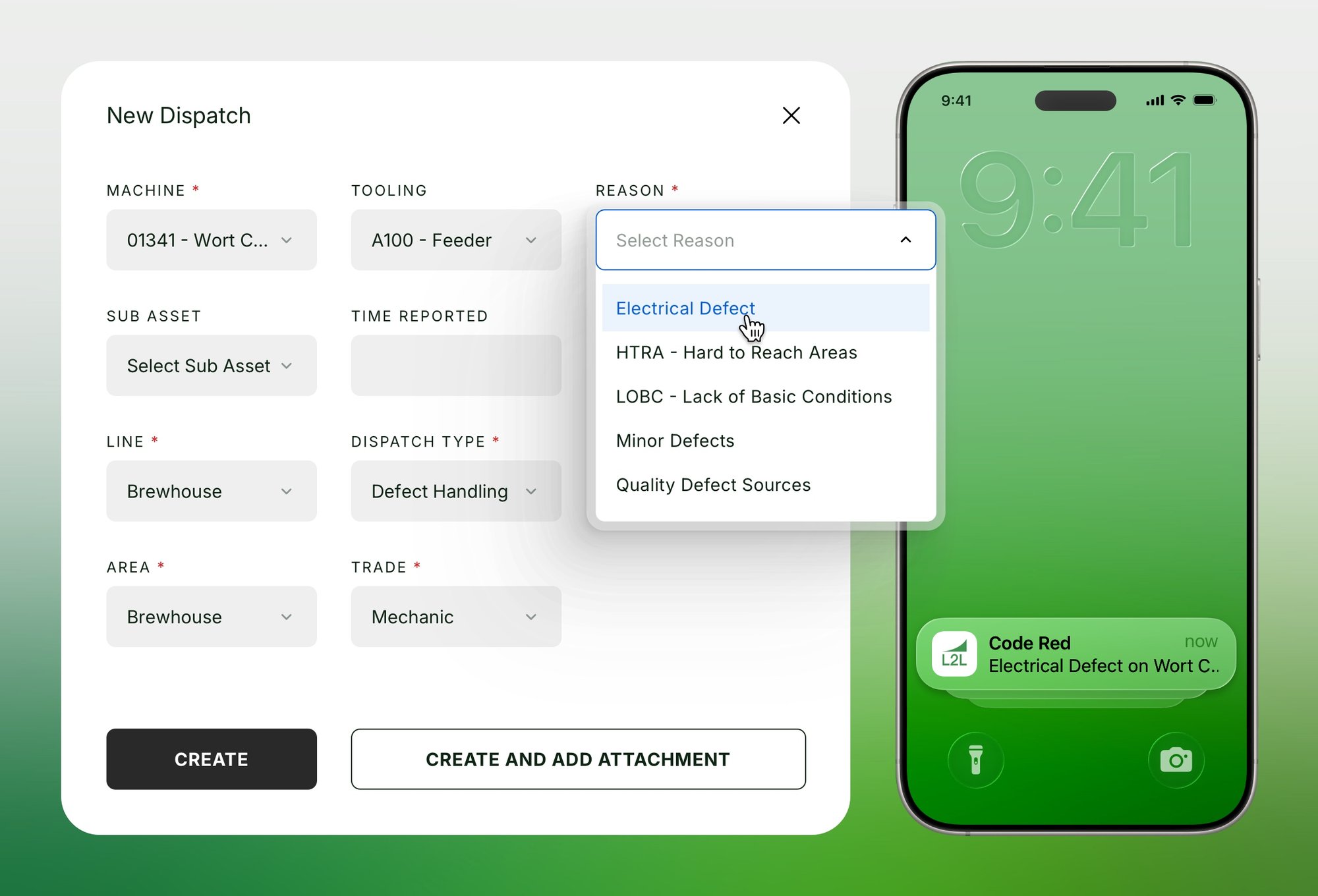
With L2l’s work order tracking software, team members with a login can submit a work order, area, line, category, and description, and it routes automatically to the right approver based on rules you set (by area, line, category, or trade), instead of getting emailed around or forgotten.
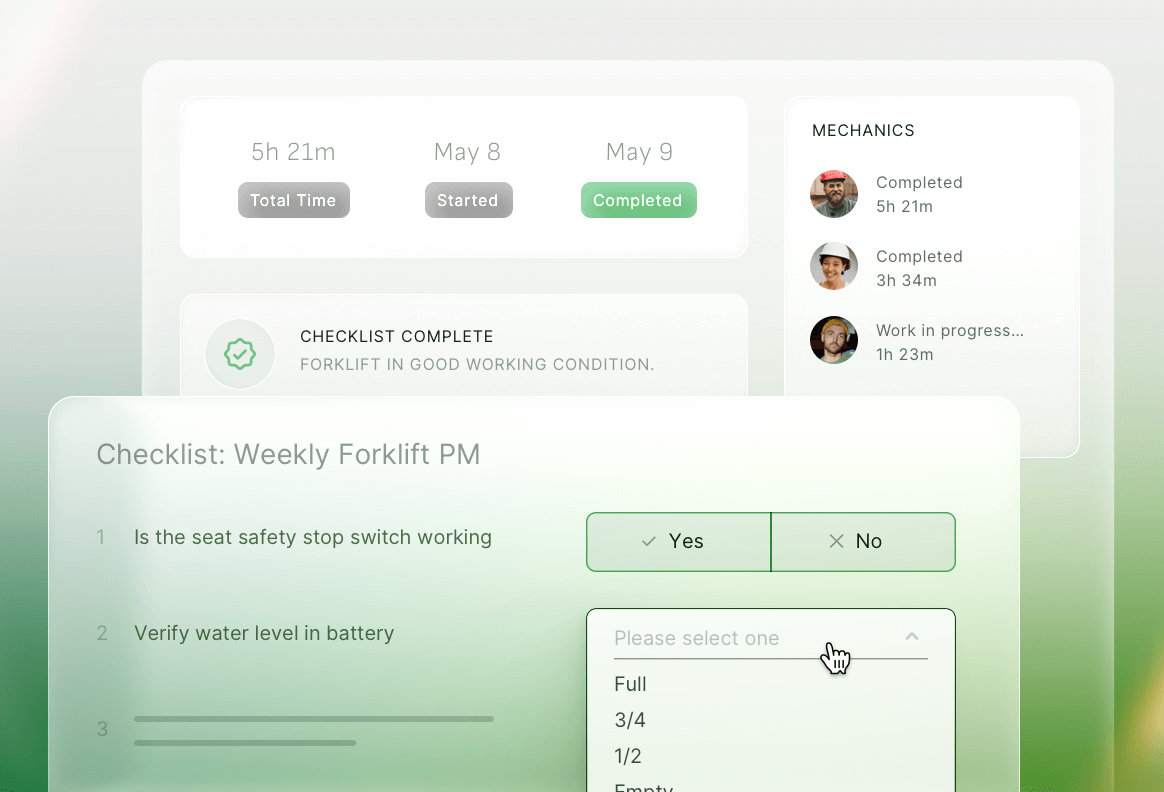
See status at every stage: Reviewing, Approved, Waiting for Parts, On Hold, so nothing sits in limbo. Add estimated labor, spares, and external costs up front, then compare against actuals when the job closes.
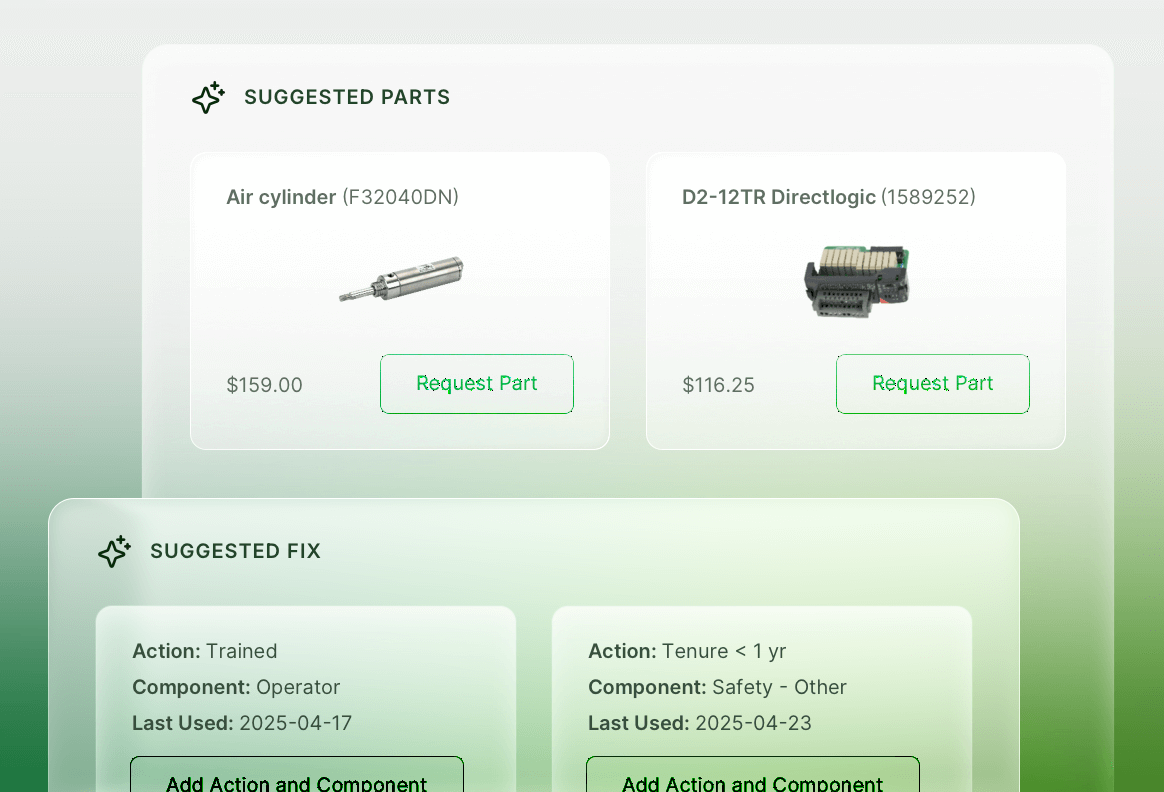
A simple work order (like a single repair) schedules in a few clicks. A complex job can break into child work orders across different trades, each with dependencies, its own resources, and its own schedule, without losing the connection to the original request. Fixes are saved and can be used to solve similar issues in the future.
-
Anyone can request work... and nothing gets lost... and nothing gets lost
With L2l’s work order tracking software, team members with a login can submit a work order, area, line, category, and description, and it routes automatically to the right approver based on rules you set (by area, line, category, or trade), instead of getting emailed around or forgotten.
-
Track a job from request to closeWith full cost visibilityWith full cost visibility
See status at every stage: Reviewing, Approved, Waiting for Parts, On Hold, so nothing sits in limbo. Add estimated labor, spares, and external costs up front, then compare against actuals when the job closes.
-
Scale from a single fixTo a multi-trade projectTo a multi-trade project
A simple work order (like a single repair) schedules in a few clicks. A complex job can break into child work orders across different trades, each with dependencies, its own resources, and its own schedule, without losing the connection to the original request. Fixes are saved and can be used to solve similar issues in the future.
Features for modern work
order tracking
Work order tracking software that takes a request from submission to close, with routing, cost, and safety handled in one connected flow.
Any employee with a login can submit a work order, area, line, category, and description, so nothing gets lost to a hallway conversation or a forgotten email.
See exactly where a job stands, Reviewing, Approved, Waiting for Parts, On Hold, so nothing sits in limbo without anyone noticing.
Capture estimated labor, spares, and external costs up front, then compare against actuals once the work order closes, no separate spreadsheet required.
Break a large job into child work orders across different trades, each with its own dependencies and schedule, without losing the connection back to the original request.
Log near misses, OSHA recordables, and job hazard analyses through dedicated categories built to protect confidentiality, not generic maintenance request fields.
Create a follow-up work order directly from an existing dispatch, so an abnormality spotted mid-repair doesn't get lost, it becomes its own trackable request tied back to the original.
Assign a work order across trades and see it alongside PMs and reactive work on the same resource calendar, so nothing gets scheduled in a vacuum.
Chelsie at US Synthetic
"Scheduling jobs is a breeze and the system notifies the tech when they have a new work order, so jobs do not get missed."
Larry at large automotive manufacturer
"Best system I have used to calculate downtime and reporting as well as scheduling and documents. Every module connects, it's all one system instead of five."
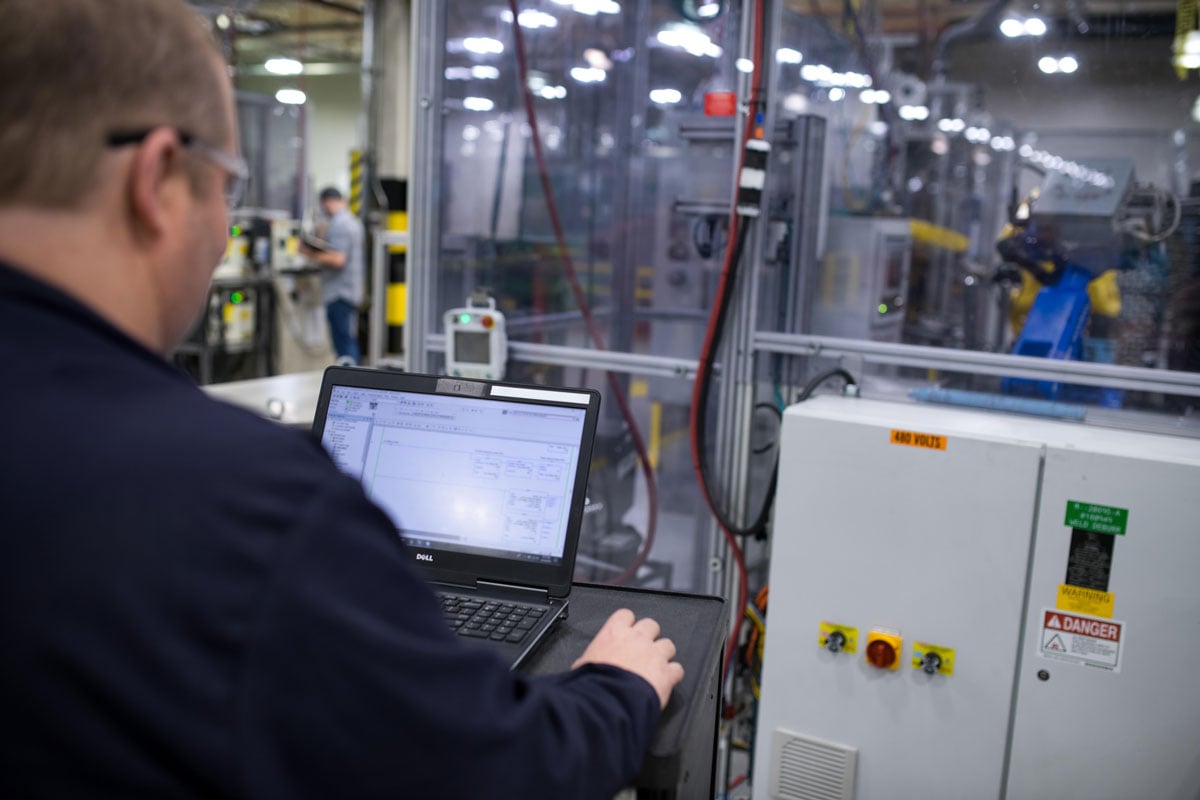
Leveling up human expertise
L2L Execution AI works with the people on the floor by turning veterans into faster decision-makers and helps new hires perform like experts on day one.
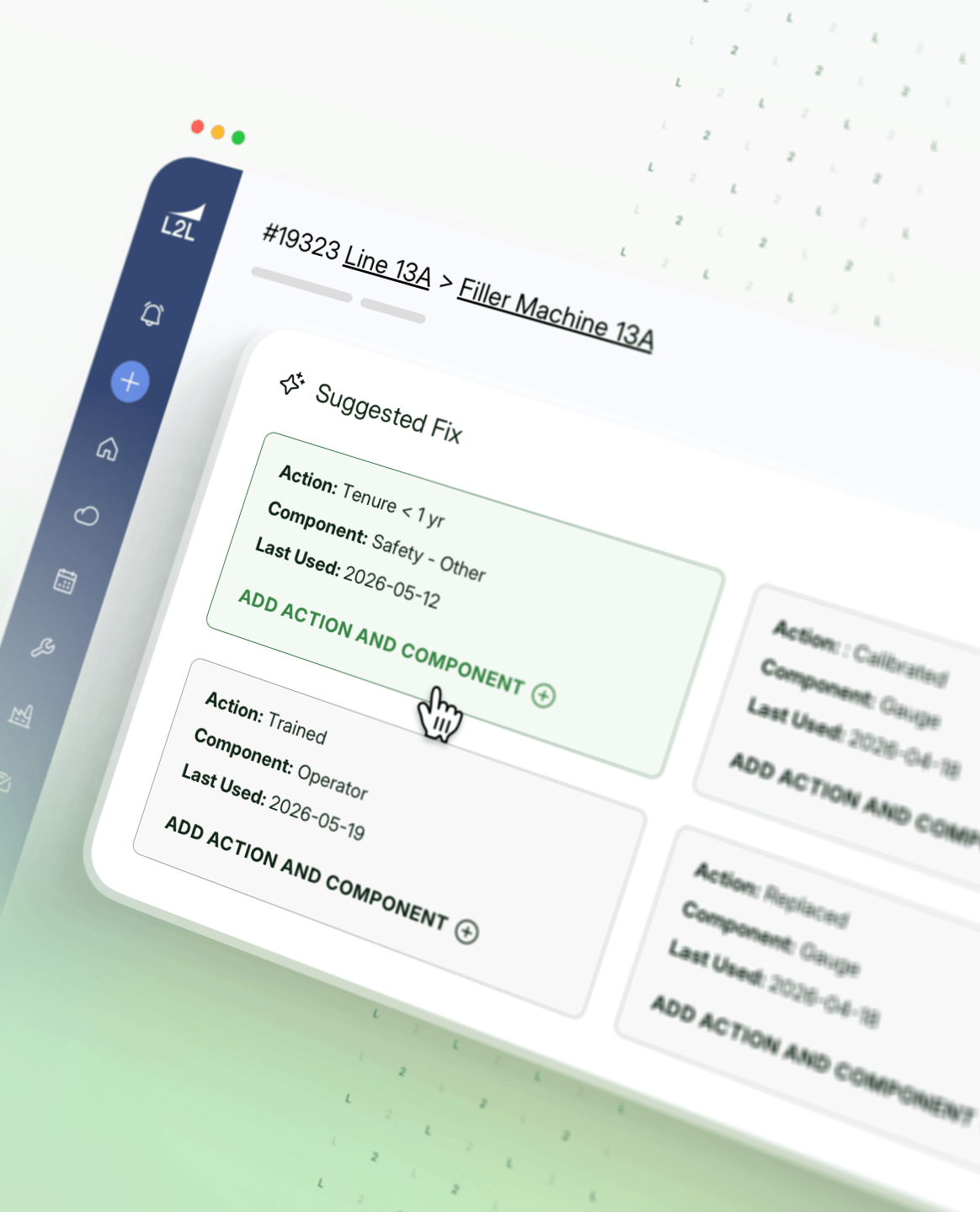
Work order tracking and so much more
AI in Maintenance
AI’s role in predictive maintenance and how to incorporate it into your maintenance strategy.
Mueller case study: data-driven maintenance
See how Mueller shifts to proactive maintenance with L2L.
Downtime cost calculator
Measure your downtime costs and digital transformation value in seconds.
FAQ about work order tracking software
What is work order tracking software?
Work order tracking software lets anyone submit a request for maintenance, facilities, or project work, routes it to the right approver automatically, and tracks it through scheduling, execution, and cost close-out in one system.
Can work order tracking software route requests to the right approver automatically?
Yes. Work order tracking software can use routing rules based on area, line, category, or trade to send a new request straight to the right approver and notify anyone else who needs to know, without manual forwarding.
Can work order tracking software handle safety-related work orders?
Yes. Work order tracking software can be configured with dedicated categories for safety events, like near misses, OSHA recordables, or job hazard analyses, and can be set up to protect confidentiality by avoiding names in the record.
Can work order tracking software break a large job into smaller tasks?
Yes. Work order tracking software can support child work orders for jobs that need multiple trades, with dependencies between them so some tasks must be scheduled before others.
Does work order tracking software track estimated vs. actual costs?
Yes. Work order tracking software can capture estimated labor, spares, and external costs up front, then compare them against actual costs once the work order closes.
Can a work order turn into a follow-up from an existing issue?
Yes. Work order tracking software can let a technician create a follow-up work order directly from an open dispatch, so an abnormality spotted during one job doesn't get lost. It becomes its own trackable request tied back to the original.
Ready to stop losing track of work requests?
L2L eliminates downtime and increases productivity. Our platform delivers real-time guidance to frontline teams, unified control for operations leaders, and measurable insights for global executives.
Manufacturing Intelligence