

.svg)
 Shop floor execution
 Maintenance
 Production
 Skills
.png?width=60&height=60&name=chart-line-up%20(1).png) Manufacturing Intelligence
Manufacturing Intelligence
 Automotive
 Building materials
 Packaging
 CMMS/EAM
 MES
MES
 Connected Worker
 Manufacturing Intelligence
 Case studies
 Blog
Blog
 Ebooks & Guides
 Webinars
 Events
.svg) OEE Calculator
OEE Calculator
 Downtime Cost Calculator
 About Us
 Partners
 Newsroom
 Support
 Careers
 Trust center


.svg)

What L2L's downtime
tracking software does
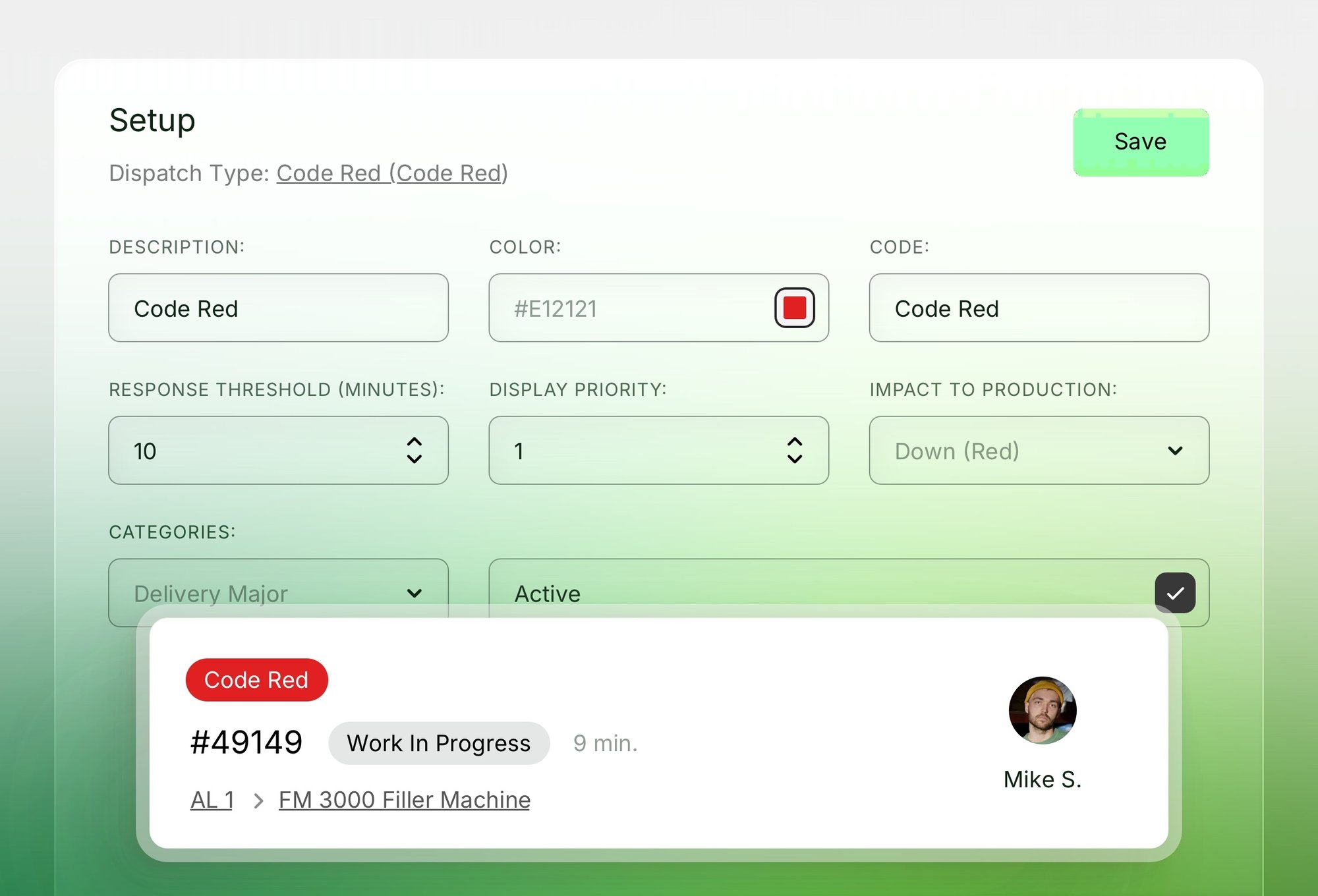
Record the reasons for each downtime event by standardized reason, action, component, and “why” codes. Capture the cause of the failure, what action was taken to correct it, and which part of the machine was repaired, so root-cause analysis (RCA) is informed by more than a single cause code.
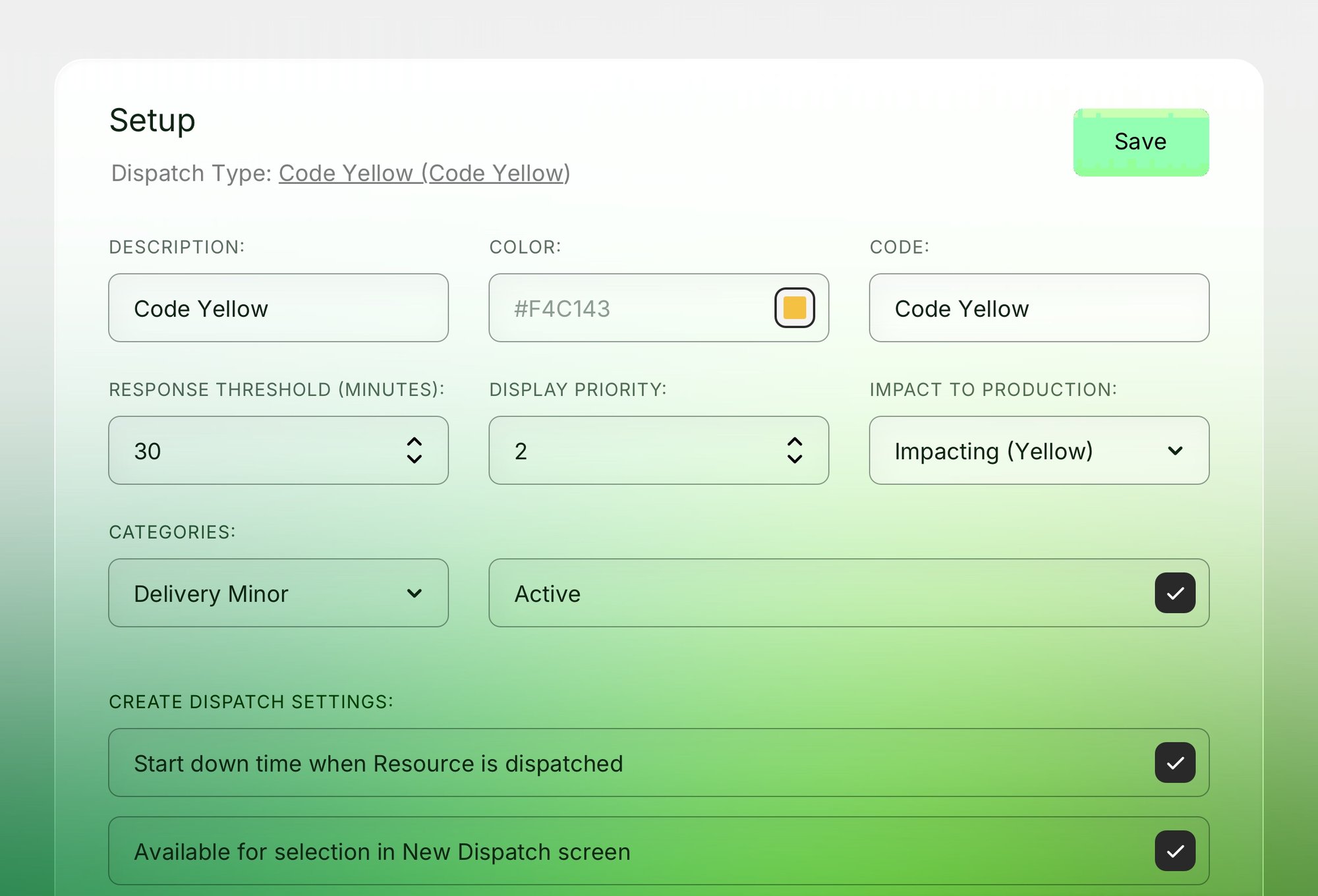
Every downtime event gets classified as Down, Impacting, Planned, or No Impact, so OEE and downtime totals reflect what actually affected production, not every logged event equally.
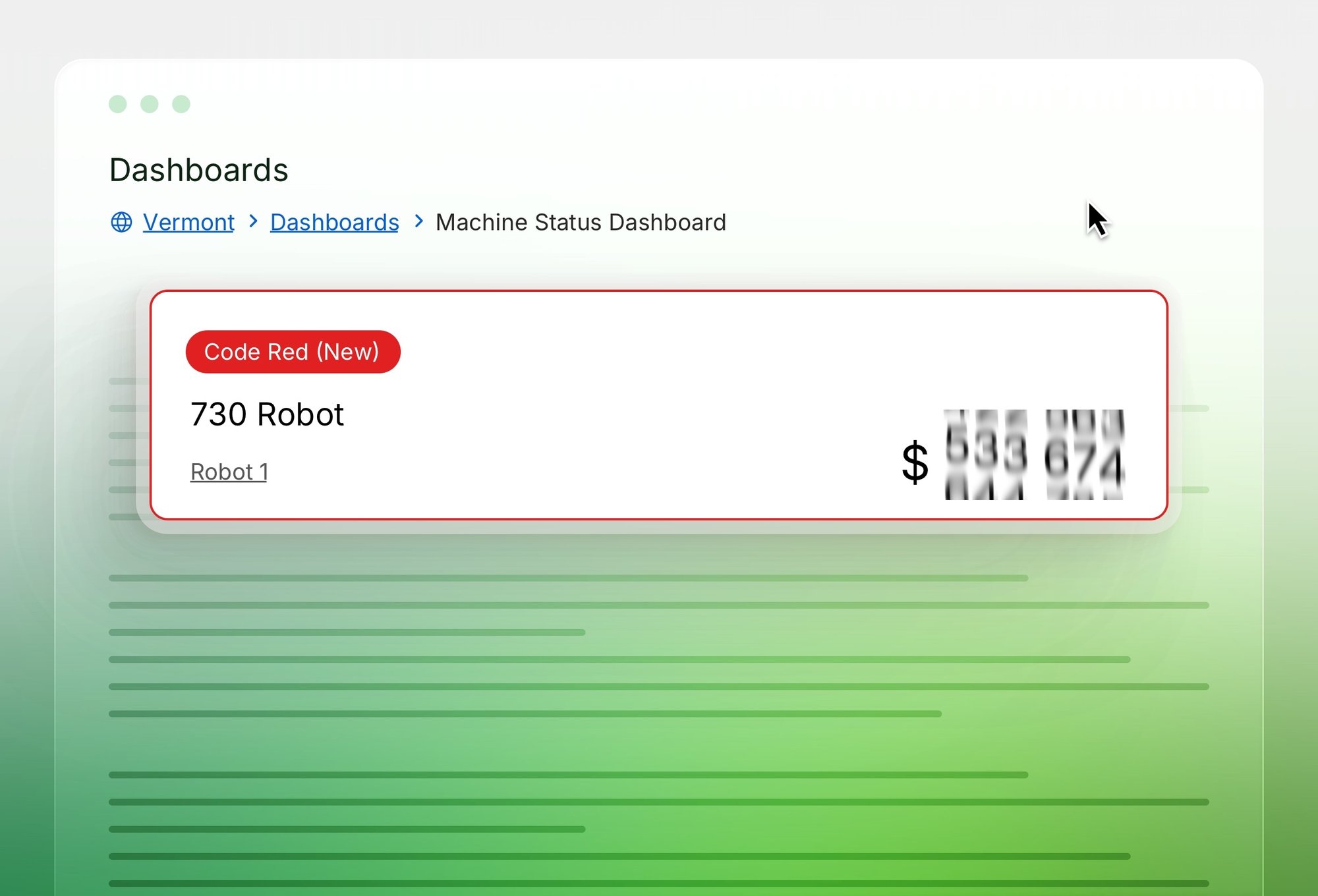
See open downtime events and duration at a glance on a machine status dashboard, with critical machines flagged visually.
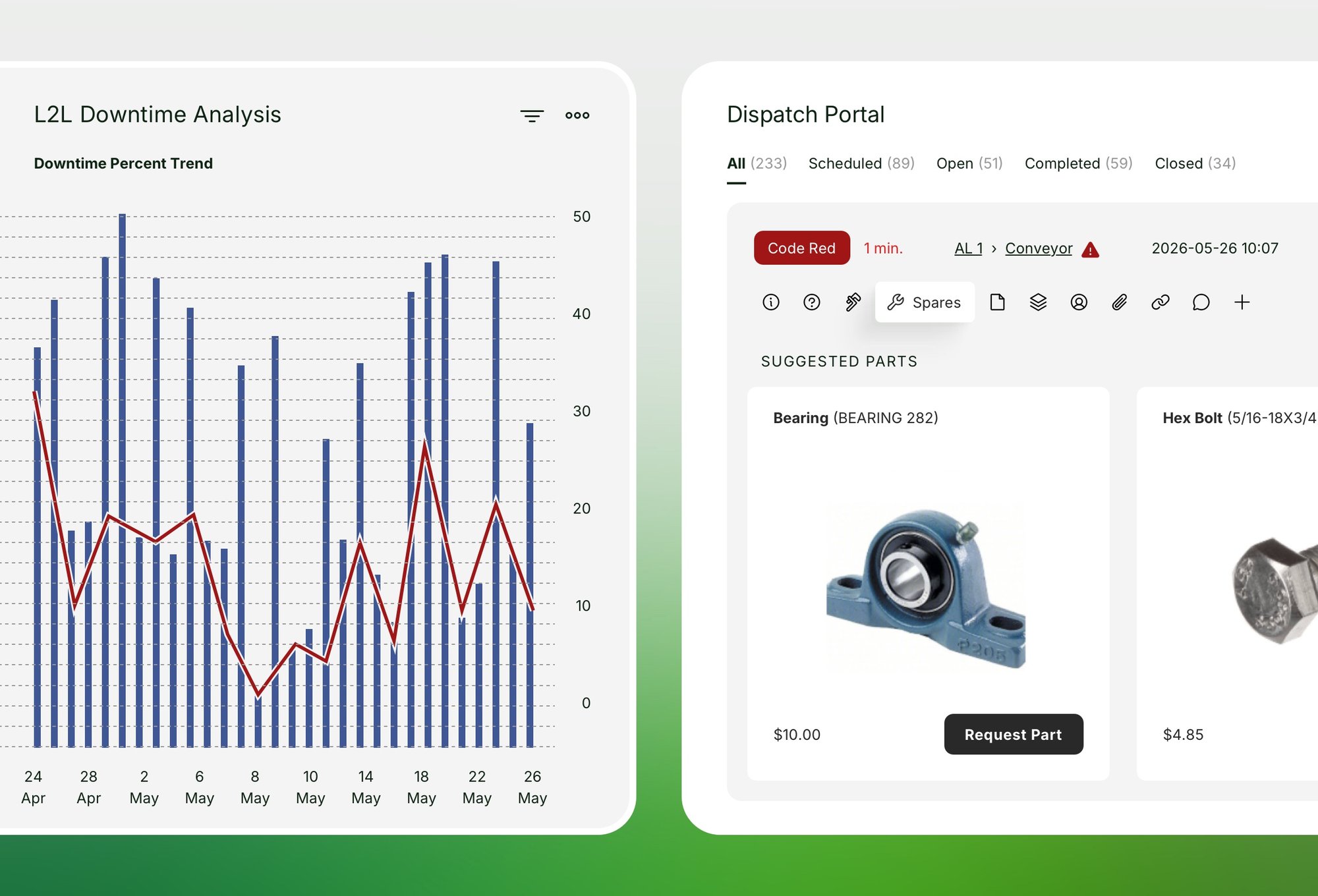
See the cost of downtime on each event directly on the dispatch screen, not calculated after the fact in a separate report.
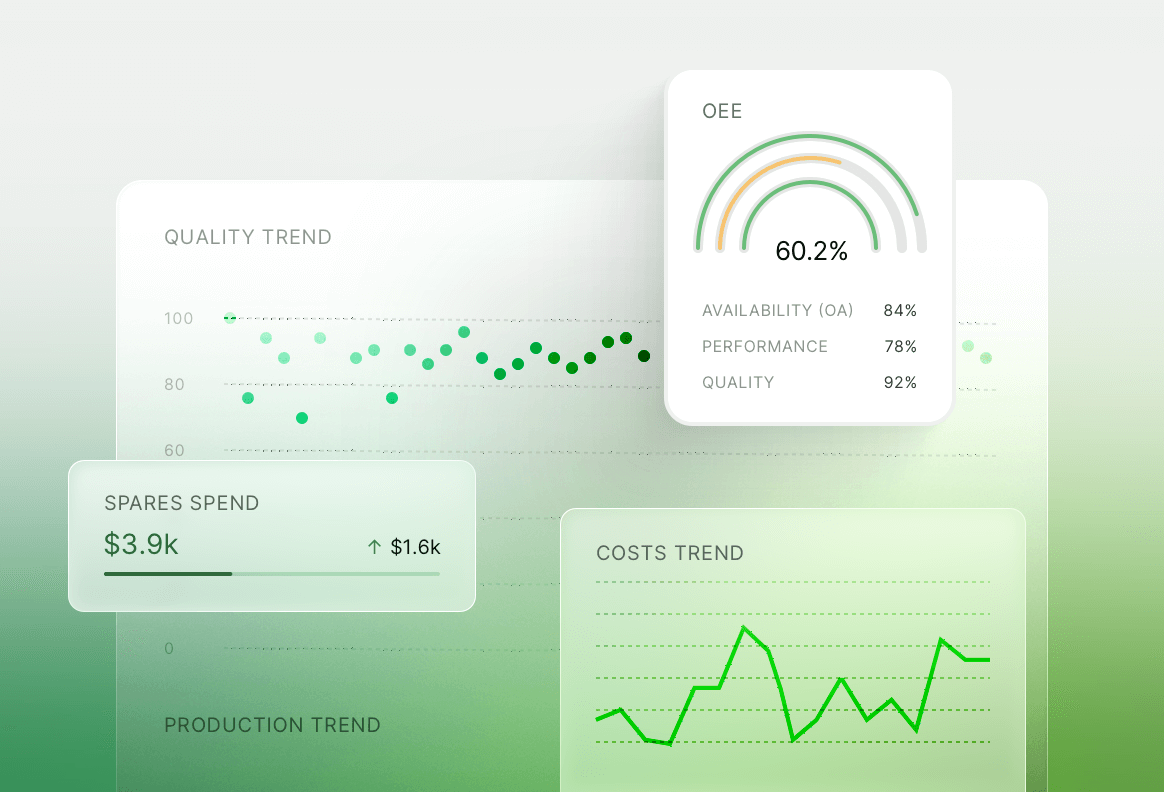
Track average response time by dispatch type, with a threshold you set, so a slow response is visible as a problem, not just downtime in general.
-
Downtime categorized by “why”Capture the cause of failureCapture the cause of failure
Record the reasons for each downtime event by standardized reason, action, component, and “why” codes. Capture the cause of the failure, what action was taken to correct it, and which part of the machine was repaired, so root-cause analysis (RCA) is informed by more than a single cause code.
-
Impact classified at the sourceClear classifications per type of event.Clear classifications per type of event.
Every downtime event gets classified as Down, Impacting, Planned, or No Impact, so OEE and downtime totals reflect what actually affected production, not every logged event equally.
-
Live status, Andon-styleRed-yellow-green.Red-yellow-green.
See open downtime events and duration at a glance on a machine status dashboard, with critical machines flagged visually.
-
Cost visible in real timeClear overview of downtime cost.Clear overview of downtime cost.
See the cost of downtime on each event directly on the dispatch screen, not calculated after the fact in a separate report.
-
Response time tracked against a thresholdHow long does it take to solve it?How long does it take to solve it?
Track average response time by dispatch type, with a threshold you set, so a slow response is visible as a problem, not just downtime in general.
Rick from ADAC
"The move from paper-based production recording methods to an integrated cloud-based system ensured the right people were at the right place at the right time."
Dallin from Purple
"What specifically makes it successful is the ability to track data, look at the data, and then establish goals to improve from there."
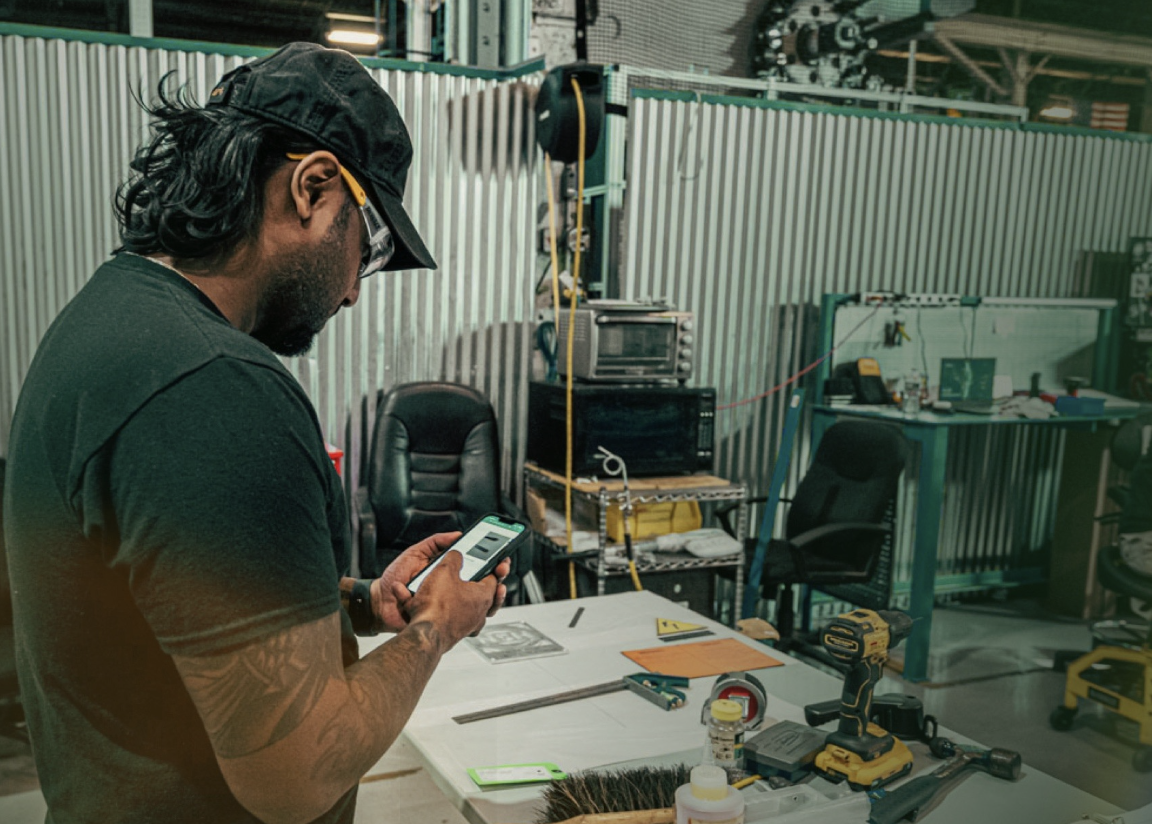
Denny from Westinghouse
"Everything our plants could do to improve efficiency, reduce unplanned downtime, drive waste out of the process, and react faster to change are becoming even more critical to keep up with the changing market conditions."
Even better downtime tracking with AI
When a machine shows signs of failure, L2L Execution AI surfaces the root cause and the right fix, with the technician and parts already identified.
Your team can make the call and get to the repair in minutes, not after hours of diagnosis.